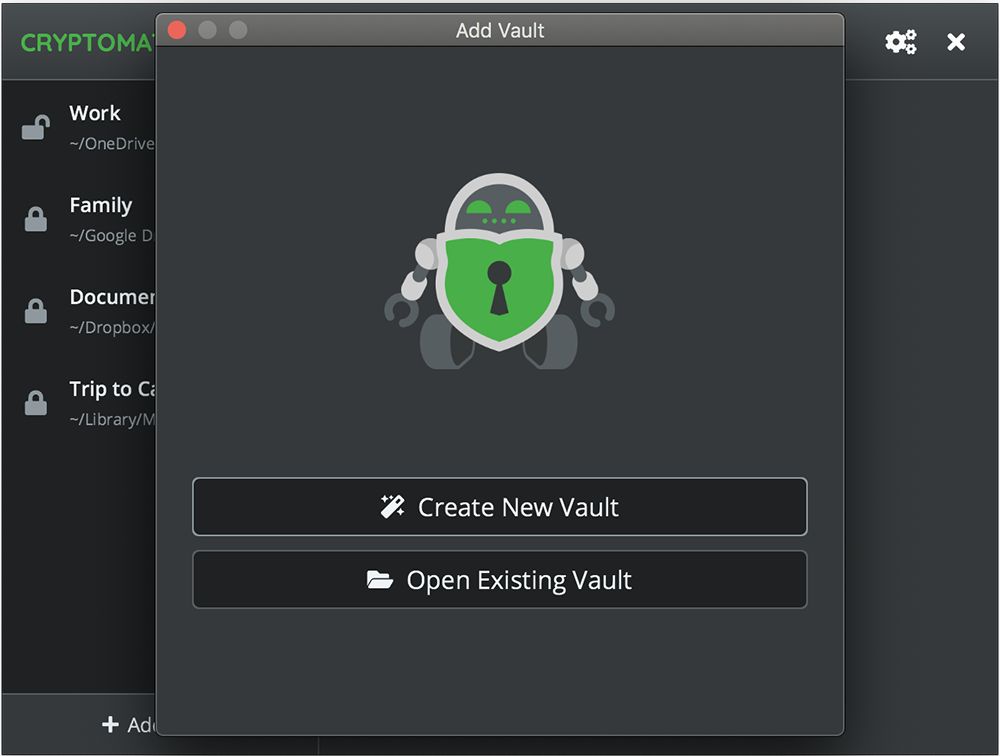

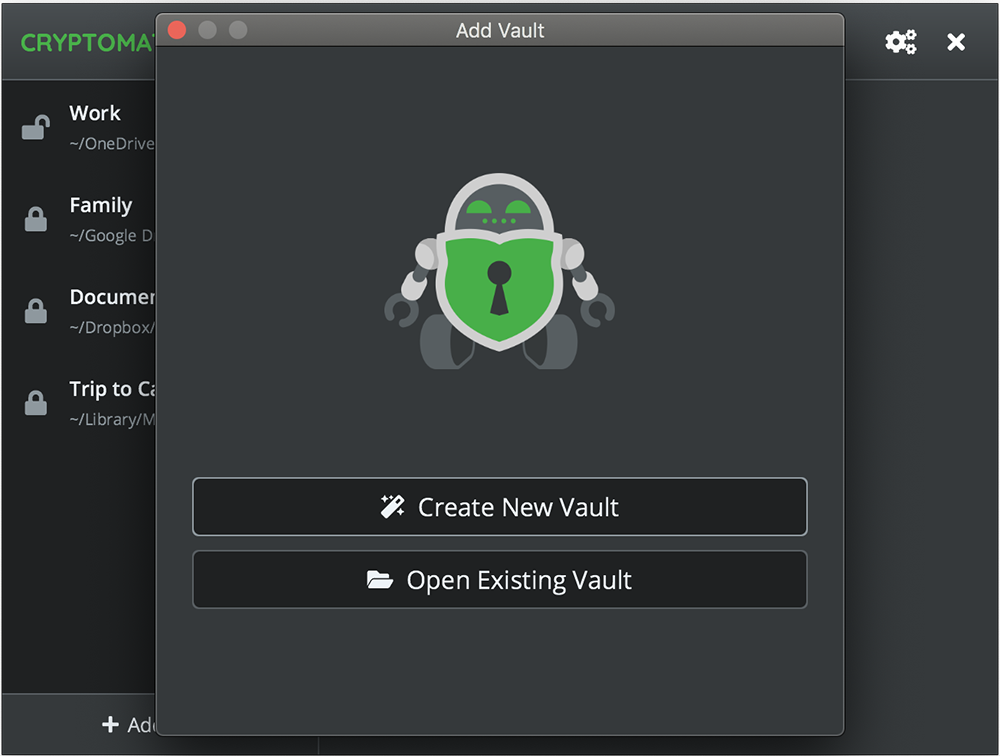
Cryptomator provides transparent, client-side encryption for the cloud (and locally, too).
The program creates an AES-encrypted file in your Dropbox folder, Google Drive, or whatever other location you like. Just specify the file name, location and a passphrase, and you’re done.
Once the vault is set up, Cryptomator mounts it as a virtual drive on your computer.
Save any documents to that drive, and they’re automatically encrypted, then uploaded to the cloud (if this is a cloud storage folder).
When you’re finished, lock the vault, the virtual drive disappears, and no-one will even know it’s there.
Cryptomator is available on multiple platforms, allowing access to your data from almost anywhere, but keep in mind that the iOS app is a commercial product ($4.99).
Verdict:
A simple way to secure your cloud files, and access them from just about anywhere.
Operating Systems:
Cryptomator
Free
50.00 MB
Specifications
Requirements
Changelog
What’s new in 1.19.5 (see changelog for more)?
Feature: Default to previously used vault directory when creating a vault by @MatthewC in #3903
Fixed change password tab is not displayed for migrated vaults (#3918)
Fixed broken doc links (9d15a76 )
Updated translations (#3913)