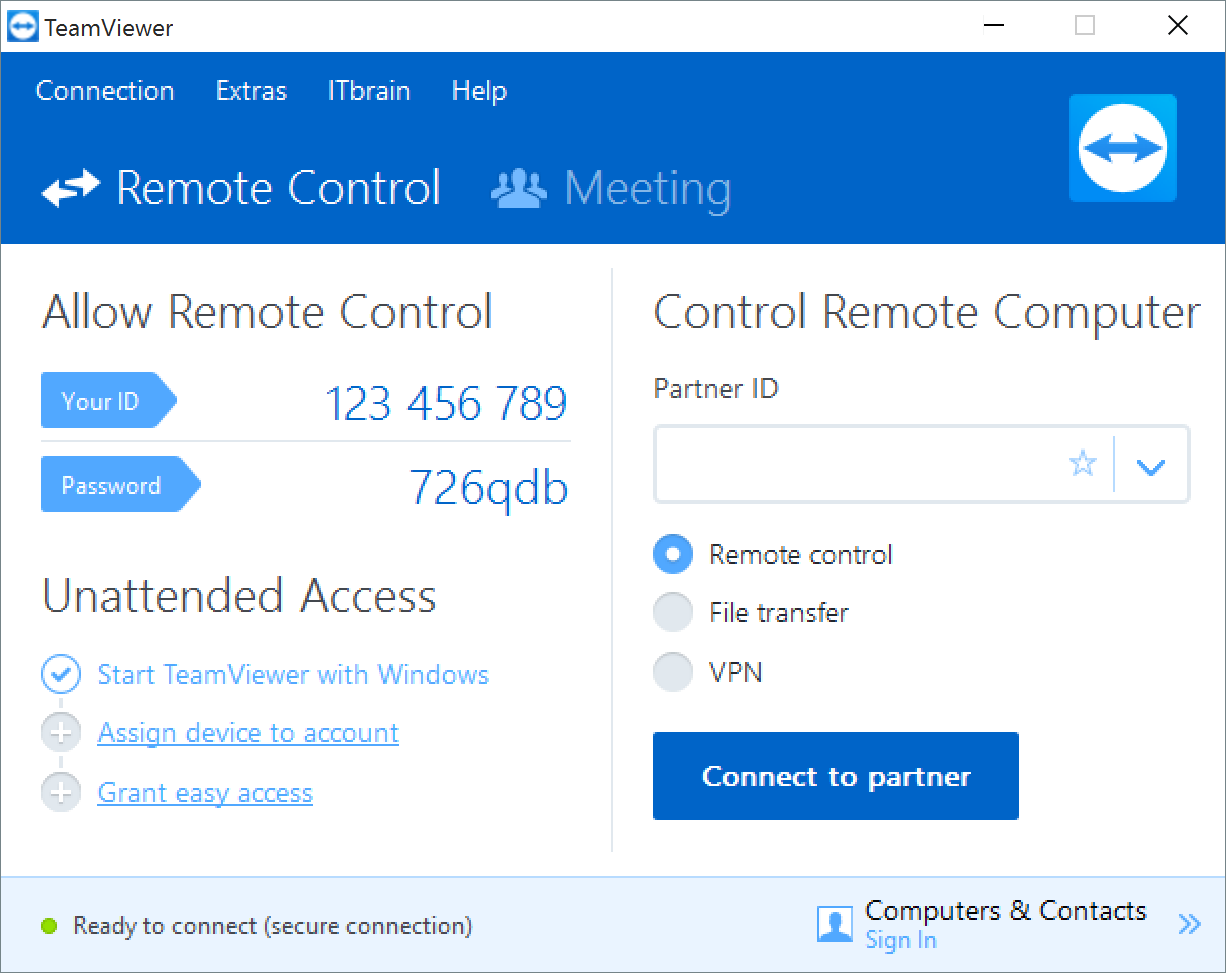

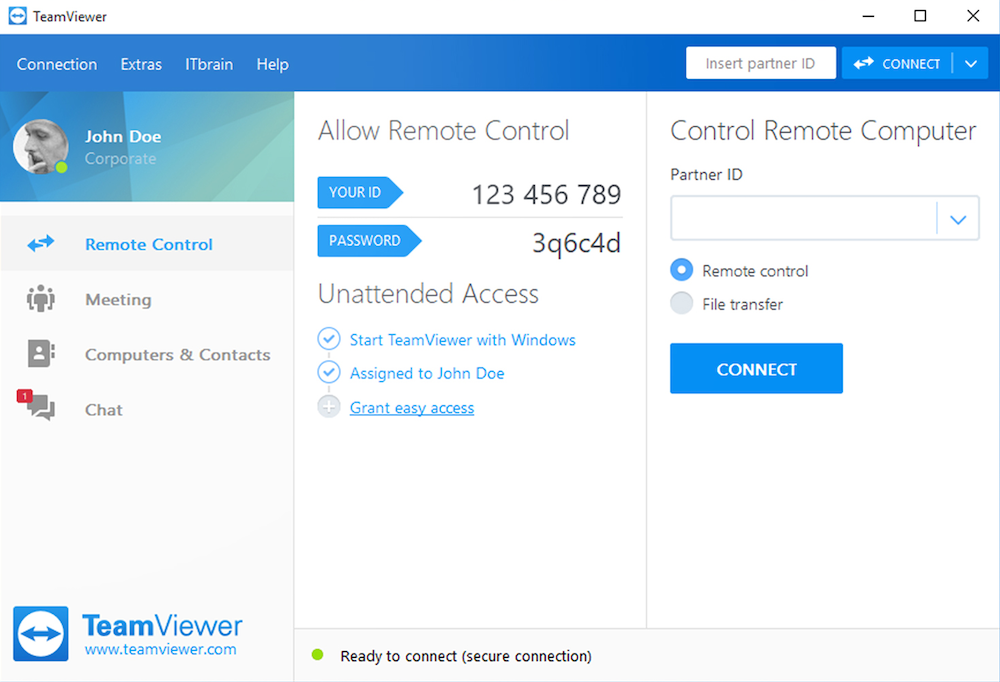
TeamViewer 15 is the latest version of the popular remote access/control program.
We handle support for novice computer users and you’ll be surprised how many of these customers do not understand the basics of computing. Sell them security software and many can’t install the new suite as they’ve never fully removed the previous suite. So frustrating.
The easiest solution is to employ TeamViewer and remotely advise the user via their computer than either over the phone or by email. It’s quicker to perform a task yourself than guide, which has made the likes of TeamViewer a godsend for any remote support facility.
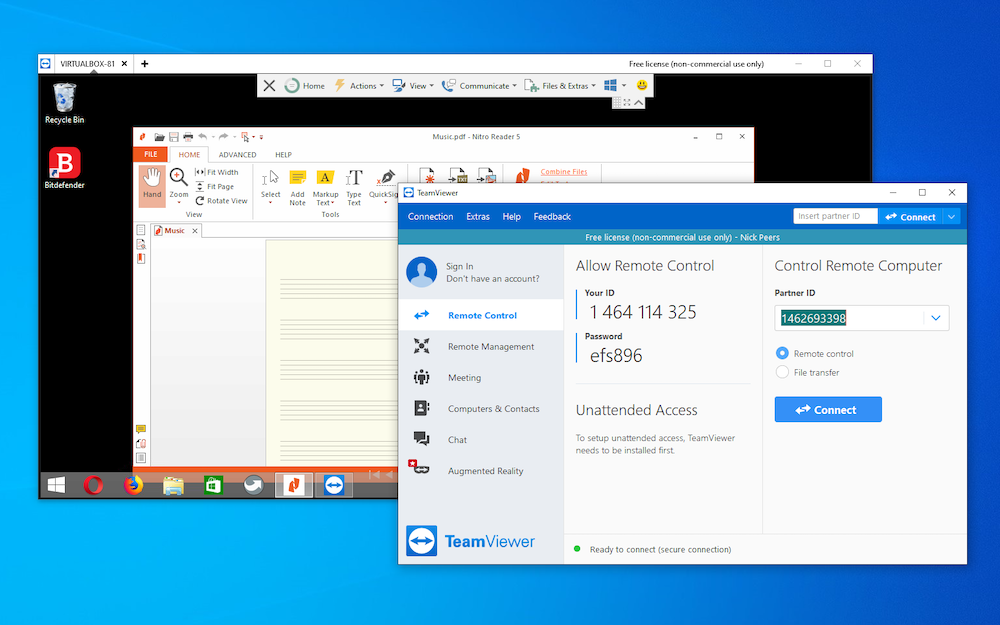
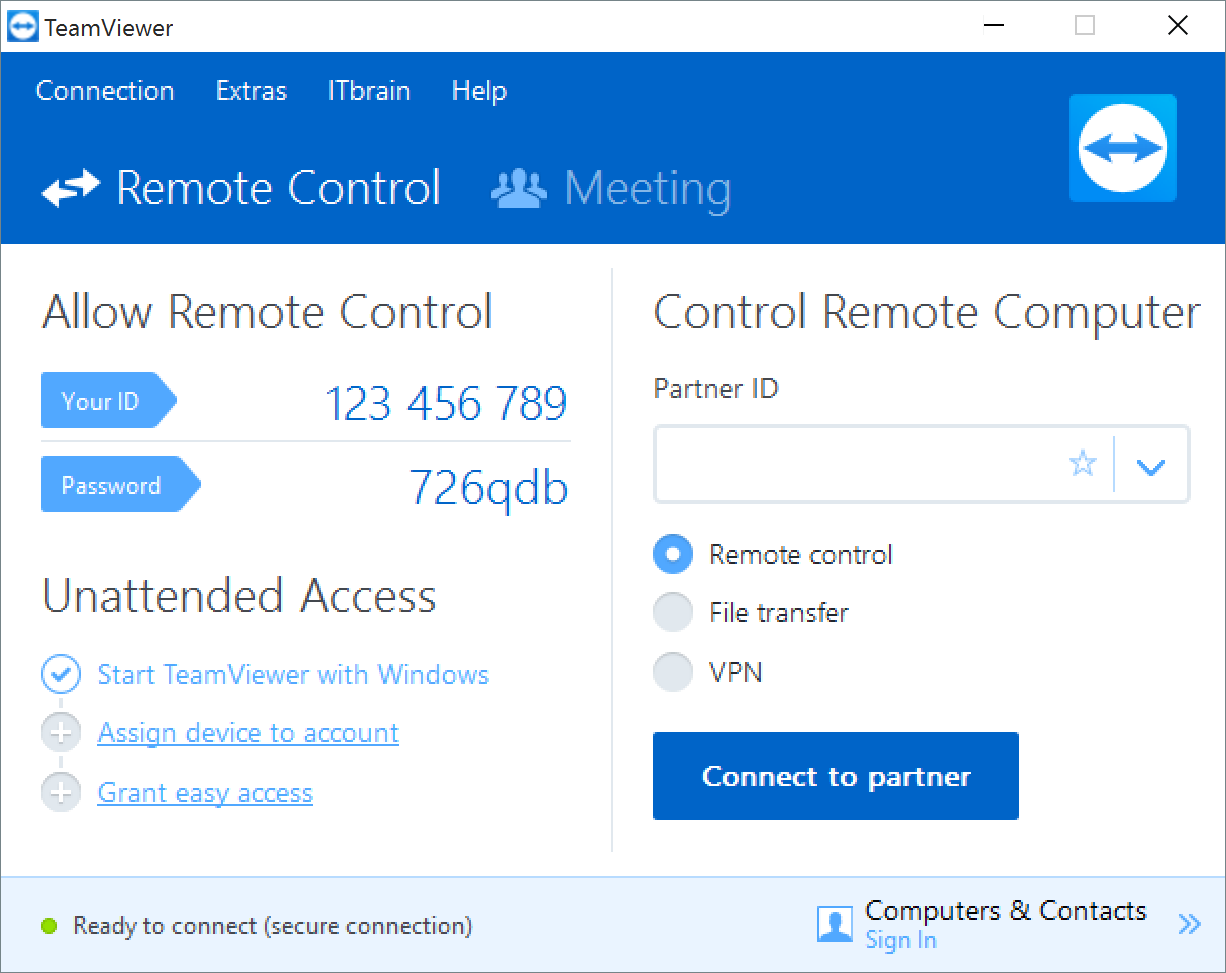
As with previous editions, you can use it to access your own computer across the internet, maybe recovering some important document you’ve left at home. Or you can use it to remotely control another PC where TeamViewer is also installed; so if a friend’s having technical troubles, you can log on to their system, even through most firewalls, and troubleshoot the computer as though you were sitting in front of it.
Verdict:
Remote connections made easy – TeamViewer is a simple solution to a potentially complicated problem
(1)
Networking Tools
Specifications
Requirements
Changelog
What’s new in TeamViewer 15.80.4 (see the changelog for more info)?
– Users can now assign a service case directly from the device page in TeamViewer Remote.
– The view for creating Conditional Access rules has been streamlined and is now available as a full‑page view. Company‑based Conditional Access rules (now called internal rules) can be created on a single page instead of through multiple steps.
– Multitenancy with Conditional Access is now available, enabling organizations to manage and securely connect data sources across multiple companies within a single framework. Organizations with access to both Conditional Access and Multitenancy can control data sources across multiple entities and create Conditional Access rules for external partners or subsidiary companies.
– Supporters now receive an automatically assigned virtual IP address for tunneling during agentless access, enabling secure access limited to the configured port from the supporter’s device.
– In‑app notifications are now displayed in TeamViewer Remote when a service case is created or assigned, and when an end user comes online with an active service case. This enables faster and more responsive handling of service requests.
– It is now possible to configure, for all outgoing Session Summary types, whether the supporter and/or the remote user can stop logging.
– The dashboard button has been removed from the Quick Actions in the in‑session toolbar. The functionality remains available from the Files & Extras menu.
– The user interface now displays billing permissions, enabling administrators to grant billing access required for the Customer Portal.
Deal of the Day
-8%
Microsoft Office Home & Business 2024
Offer Ends In: