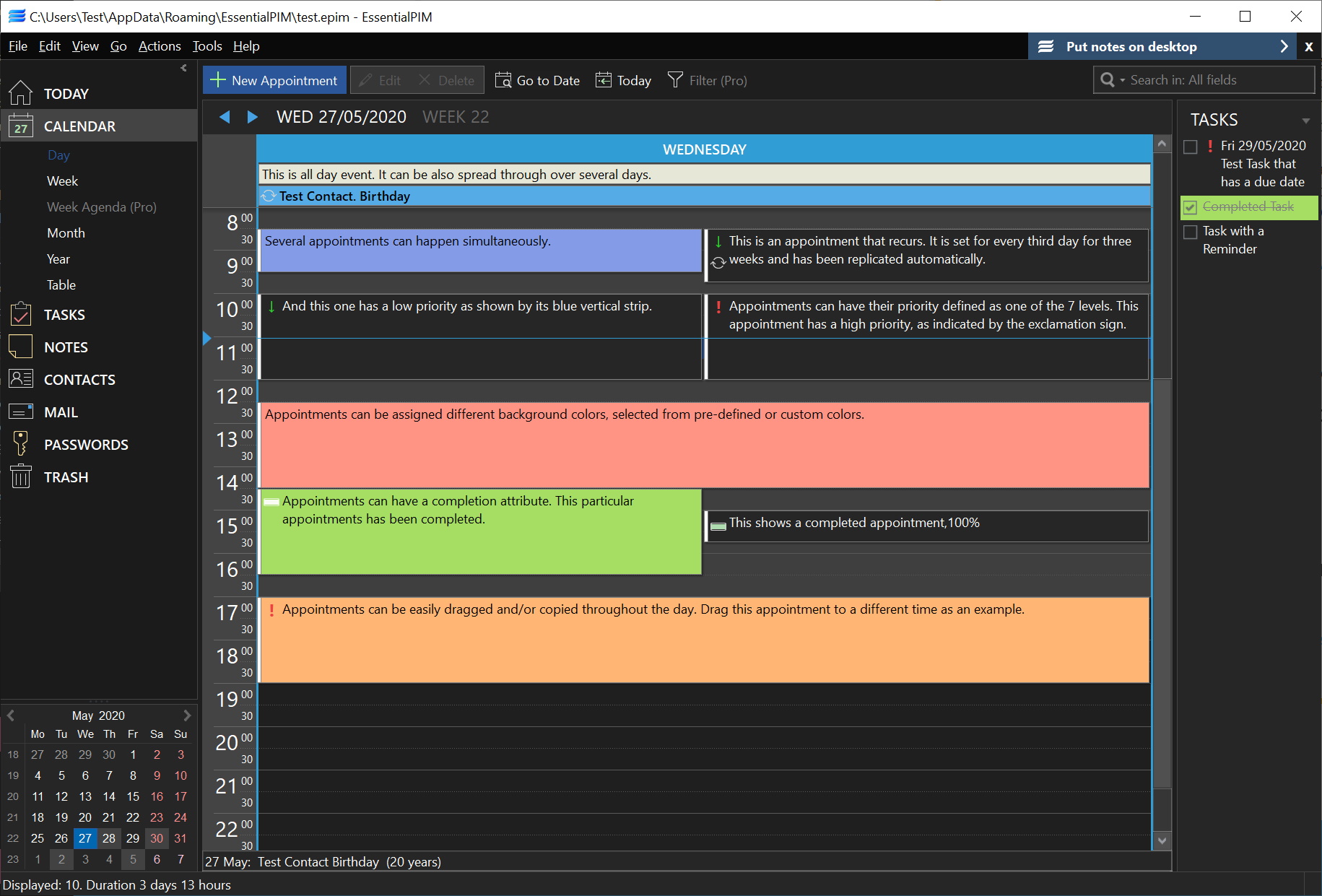

Both at home and in the office, we all have a great deal of information that needs organising. From contacts to appointments, EssentialPIM is a powerful personal information manager that makes it easy to keep on top of an ever-growing amount of information. The ability to store all of your email, addresses, lists and notes in one place makes the program a one-stop shop for your organisational needs.
There are three versions of EssentialPIM available. The free version includes all of the basic features of the program while upgrading to Pro edition adds a number of useful extra including advanced encryption and multi-user access. Other Pro features include the ability to create desktop sticky notes, synchronisation with Palm and Windows Mobile devices as well as Outlook and Google Calendar, and an advanced backup facility.
The network version of the program has been designed with small to medium-sized businesses in mind and makes it easy to share information between workers. Proving a network is already in place, nothing extra is needed to take advantage of the powerful features of EssentialPIM Pro Network which makes it easy to coordinate a group of workers.
Verdict:
Whichever version of EssenitalPIM you use, you have access to a genuinely useful tool which will make your life easier to manage.
(2)
Office & Business


Specifications
Changelog
What’s new in 12 (see the full changelog for more)?
– New default contacts view featuring a list of contacts with initials or pictures for easier identification.
– Redesigned contact details window for a comprehensive overview.
– Enhanced email efficiency with quick actions (reply, flag, mark as favorite, move, delete) by simply hovering over a message in the redesigned message list. Available in the default layout: Vertical View (in Groups).
– Revamped email preview window with an emphasized subject and convenient action buttons.
– Updated Tag Explorer for streamlined tag management and assignment.*
– Quick add functionality extended to events, contacts, and passwords for faster data entry.
– Tasks: Ability to save individual list filtering settings and calculate parent task completion based on child tasks.*
– Transition to the Chromium engine for faster and more efficient rendering of HTML emails.
– Numerous performance optimizations under the hood.