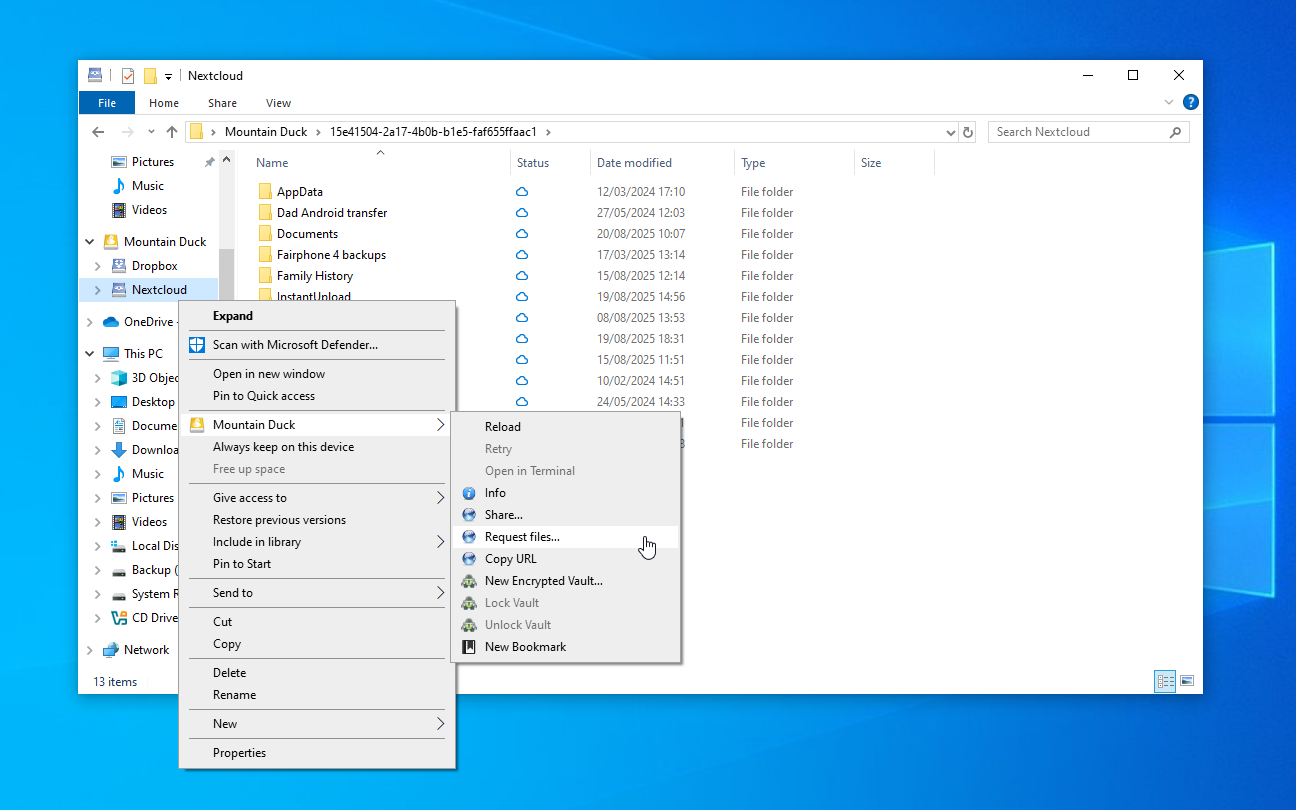

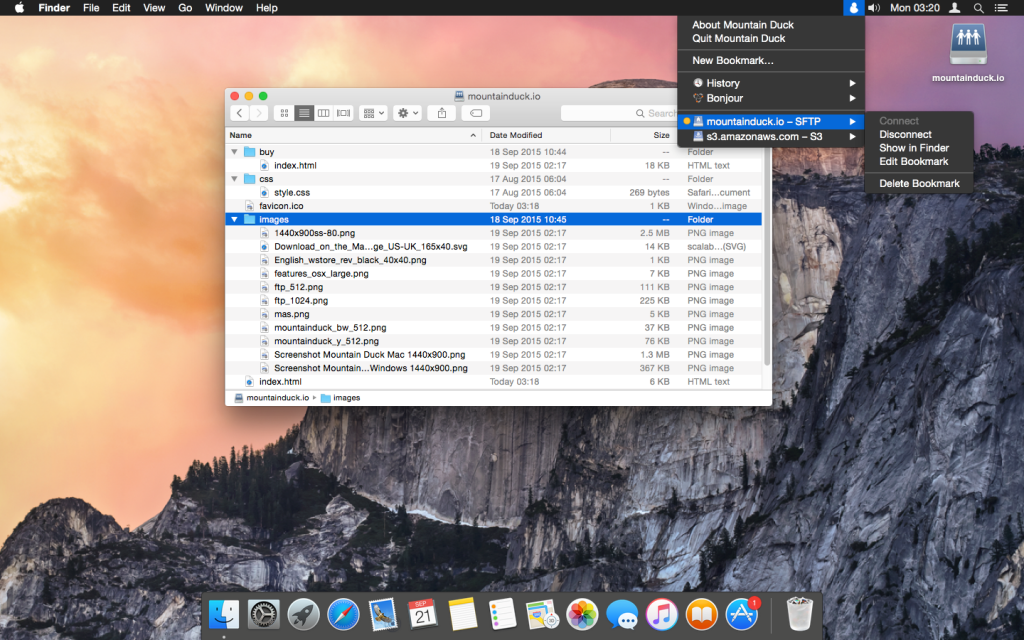
Mountain Duck is a handy tool for mounting server and cloud storage accounts as local drives in Finder and Windows Explorer.
Based on Cyberduck, by the same developer, Mountain Duck can connect to FTP and SFTP servers, WebDAV, Amazon S3, Azure and OpenStack Swift storage.
Full support for secured SSL connections, strong ciphers, public key and two factor authentication keeps your communications safe at all times.
Setup is easy, particularly on the Mac: there’s no admin privileges or installation required.
And once Mountain Duck is running, there’s no more work to do. You’re able to browse remote files and open them with any application, just as though they were on a local drive.
Verdict:
If you regularly work with cloud storage then Mountain Duck could save you a lot of time and hassle.
Operating Systems:
iterate
Free
75.00 MB

Specifications
Changelog
What’s new in v5.3.2 (see full changelog for more)?
Feature Lock files on server when opening in “Integrated” connect mode (Windows, WebDAV)
Feature Set read-only permissions on files locked on server when opened “Integrated” connect mode (Windows, WebDAV)
Feature “Keep Offline on Local Disk” and “Delete on Local Disk” context menu items in “Integrated” connect mode (Windows)
Feature Suppress sleep mode during file transfers (Windows)
Feature Resolve *.localhost hostnames to loopback address
Feature Support hierarchical namespaces in Azure Data Lake filesystems (Azure)
Deal of the Day
-50%
O&O DiskImage 22 Premium
Offer Ends In: