
Many computers are supplied with a printer, but even when this is not the case, one can be bought very cheaply. But the hidden cost of printer ownership lies in the use of paper and ink which can quickly become very expensive. FinePrint has been designed to reduce the cost of printer ownership by minimising paper and ink usage.
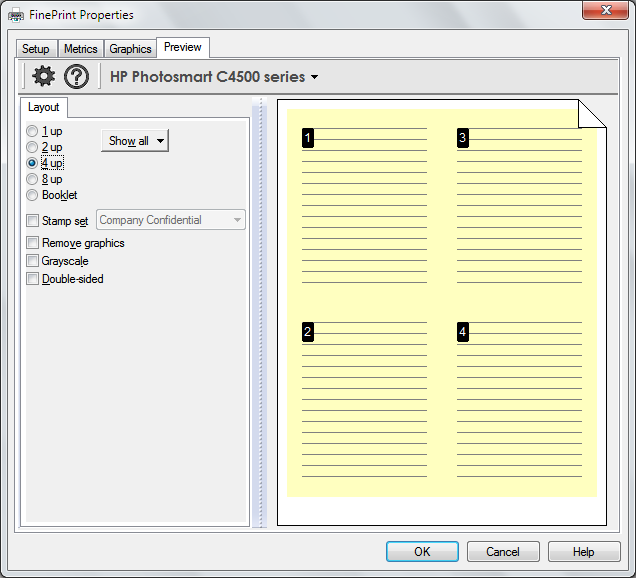
One of the simplest ways FinePrint provides to minimise the use of paper and ink is the option to print multiple pages on a single sheet of paper. Many multi-page documents can be print so that two, four or even more pages are on a single sheet of paper while remaining fully legible. There is also the option of reducing page border size and eliminating unwanted page elements to further reduce the use of resources.
Several print jobs can be combined into one to reduce the amount of white space that is left on the page, and the program also includes the option to automatically add a letterhead to printouts as well as making use of double sided printing. FinePrint appears as a standard printer when you select the Print option from any program and selecting it provides access to the various settings. This is a program which will pay for itself in next to no time, and as well as saving you money in the long run, you can rest safe in the knowledge that you are also doing your bit for the environment.
Verdict:
FinePrint not only helps to save paper and ink, but also makes it easy to produce multi-page print outs.
(2)
Office & Business

Specifications
Changelog
What’s new in 12.35 (see changelog for more)?
– fixed a bug that sometimes caused incorrect text output in CAD files
Deal of the Day
-50%
novaPDF Professional 11
Create, edit and manage PDF files
Offer Ends In: