
With countless websites and programs now requiring that users log in with a password, it is little wonder that many people resort to using the same password for a number of services simply to avoid forgetting them.
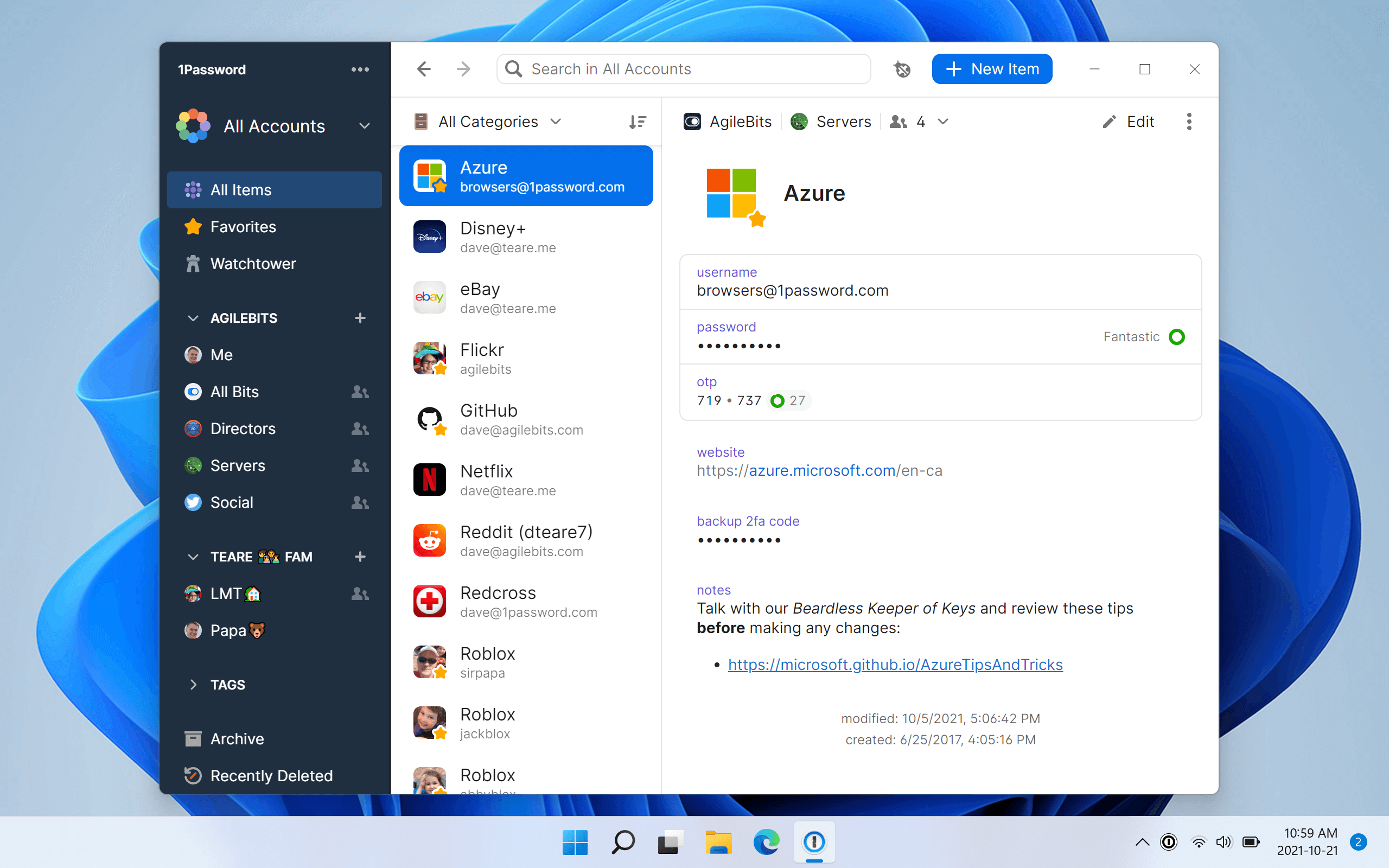
The program is, at its heart, a password database which can be used to store all of your login details in one secure, password protected location. This in itself is useful, but 1Password can also be used to automatically fill in login information so you do not have to do so manually.
1Password is compatible with all versions of Windows and can be used with Edge, Firefox, Chrome and Safari. When used in conjunction with your web browser for online shopping, 1Password can automatically fill in credit card details in online forms. With built-in phishing protection, coupled with the secure database, you can be certain that your details will never fall into the wrong hands.
Of course, you’re not just limited to storing passwords. You can use 1Password to store secure notes, server login information, your credit cards, important phone emergency phone numbers and so much more.
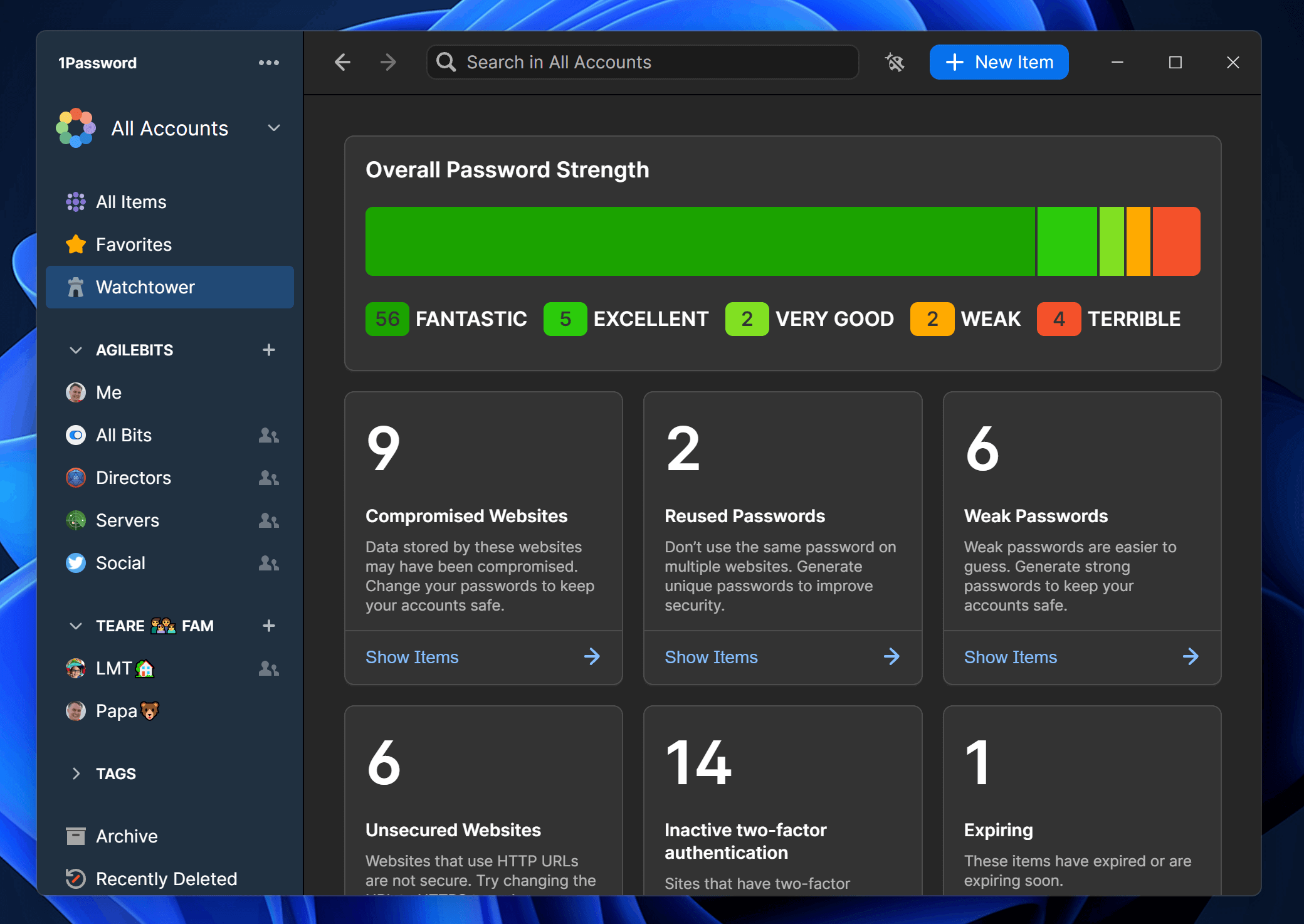
These include a new diceware generator for creating strong passwords and support for the 1Password WatchTower service, which warns users when logins have been compromised.
New Duplicate and Weak Password categories help users track down passwords that need changing, while items can be now tagged for easier organisation and identification.
All items can now be shared securely via email and users can sync data with iOS devices using their local Wi-Fi network instead of the cloud. The update also comes with the promise of major performance improvements.
Verdict:
This powerful tool will enable you to store all your most important information, from passwords to your credit card details, safely and securely. Recommended.
Operating Systems:
Agile Web Solutions
Free
10.00 MB
Specifications
Requirements
Changelog
1Password 8.12.44 is a minor update (see changelog for more):
If you sign in with Unlock with SSO, you can now export your 1Password data when your administrator allows exports.
1Password Environments now support up to 25 local .env file destinations per computer.
In 1Password Environments, you’ll now be taken back to the Environments overview screen after you add an environment variable or import a .env file.
When you try to delete a workload from a 1Password Environment, the Delete button is now always available. If the name you enter doesn’t match the workload’s name, you’ll see an error.
We’ve updated the phrasing and layout of the prompt for approving apps or AI agents to use credentials in 1Password, clarifying what’s being used and how your credentials are protected.
We’ve fixed an issue where you could sometimes see biometric unlock options on the lock screen that weren’t available at that time.
We’ve fixed a visual issue where every option in the sign-in address dropdown menu would show a checkmark beside it when you were signing in to a 1Password account manually.
We’ve fixed an issue where a temporary connection problem could prompt you to set up a recovery code even if you already had one.
We’ve fixed an issue where pressing the Home or End keys in the search field would select the first or last result instead of moving the cursor to the start or end of your search.
We’ve fixed an issue where you could delete your only working recovery code if you have a 1Password account that signs in with a passkey and you also had an older, inactive recovery code.
We’ve fixed an issue where 1Password could show the wrong account or collection when you opened the app after being away for a while.
Deal of the Day
-35%
IObit Malware Fighter 13 PRO
Offer Ends In: